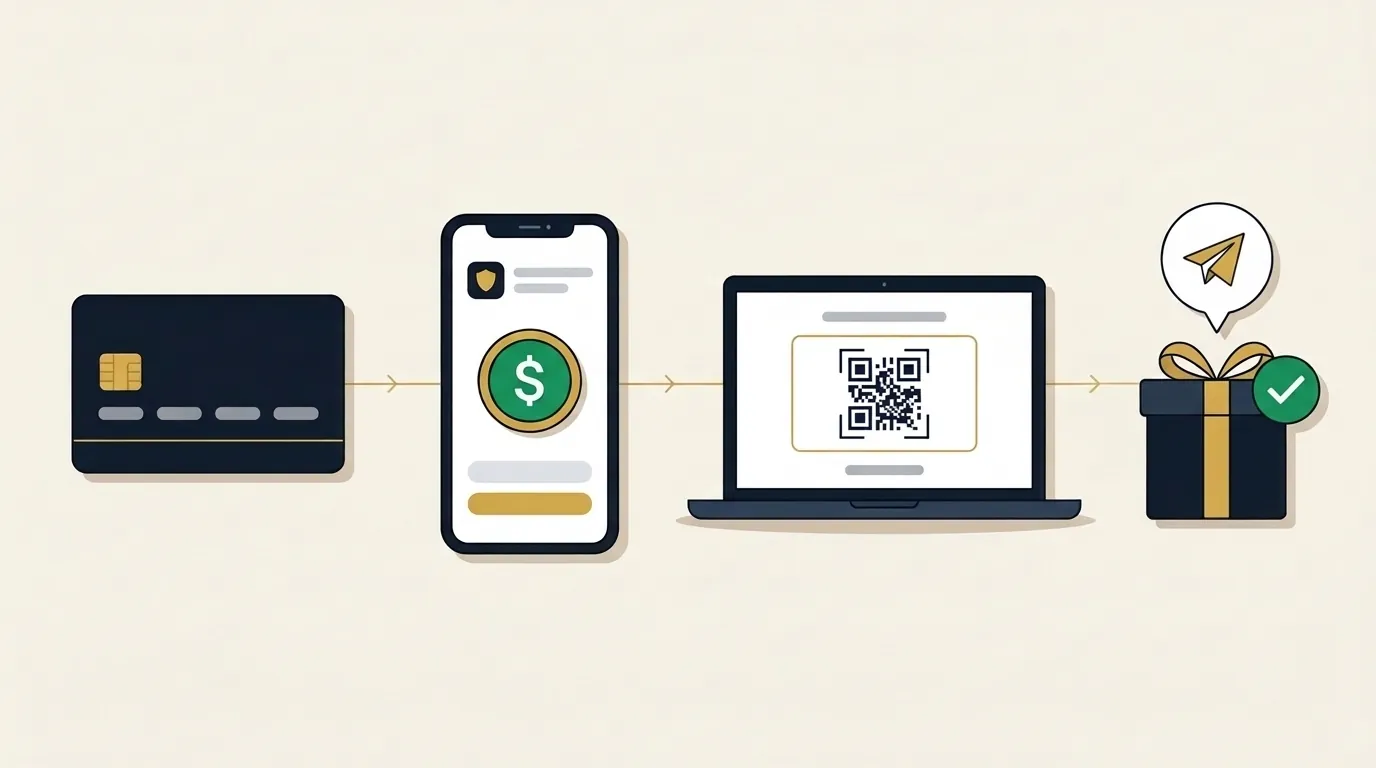
We only receive crypto, so there is no card box at checkout. This guide shows a first-time buyer how to get the coins and send them safely, in plain English. Take your time: the first payment is the slow one, and the next ones take minutes.
Quick answer
Buy a small amount of crypto with your bank card (or a local bank transfer) in a wallet app or on an exchange, then send it to the payment address shown at checkout. We deliver usually 5–30 minutes after your payment is confirmed.
- Install a wallet app, or open an exchange account, and verify your identity once.
- Buy the order total plus a few dollars extra for fees.
- At checkout, choose the same coin and network you hold, then send the exact amount.
- Message us your order ID on Telegram or WhatsApp. We deliver after the payment confirms.
1. What you need
- A phone (or a computer) with an internet connection.
- A bank card, or a bank account for a local transfer.
- An ID document. The wallet or exchange where you buy checks who you are, once. We do not ask for it.
- The order total, plus a few dollars extra to cover fees.
Important: always buy crypto into your own wallet or exchange account first. Then send it from there to our checkout address. Never type our payment address into a card-buying screen. Card providers sell only to you, for your own wallet.
2. Pick your route
| Route | Best for | How it works |
|---|---|---|
| A. Wallet app + card | Most first-time buyers | Install a self-custody wallet app (for example Trust Wallet, named only as an example). Tap Buy and pay with your card. Then send the coins to our checkout. |
| B. Exchange account | You already have an exchange (for example Binance, OKX or Bybit, or a licensed local exchange), or your card was declined | Buy with a card, or with a P2P bank transfer in your local currency. Then withdraw the coins to our checkout. |
| C. Stuck? | Anyone | Message us on Telegram @SocialStore_pro or WhatsApp +44 7352 488046. We walk you through it live. |
P2P means you pay a real person by bank transfer and the exchange holds the coins safely until they arrive.
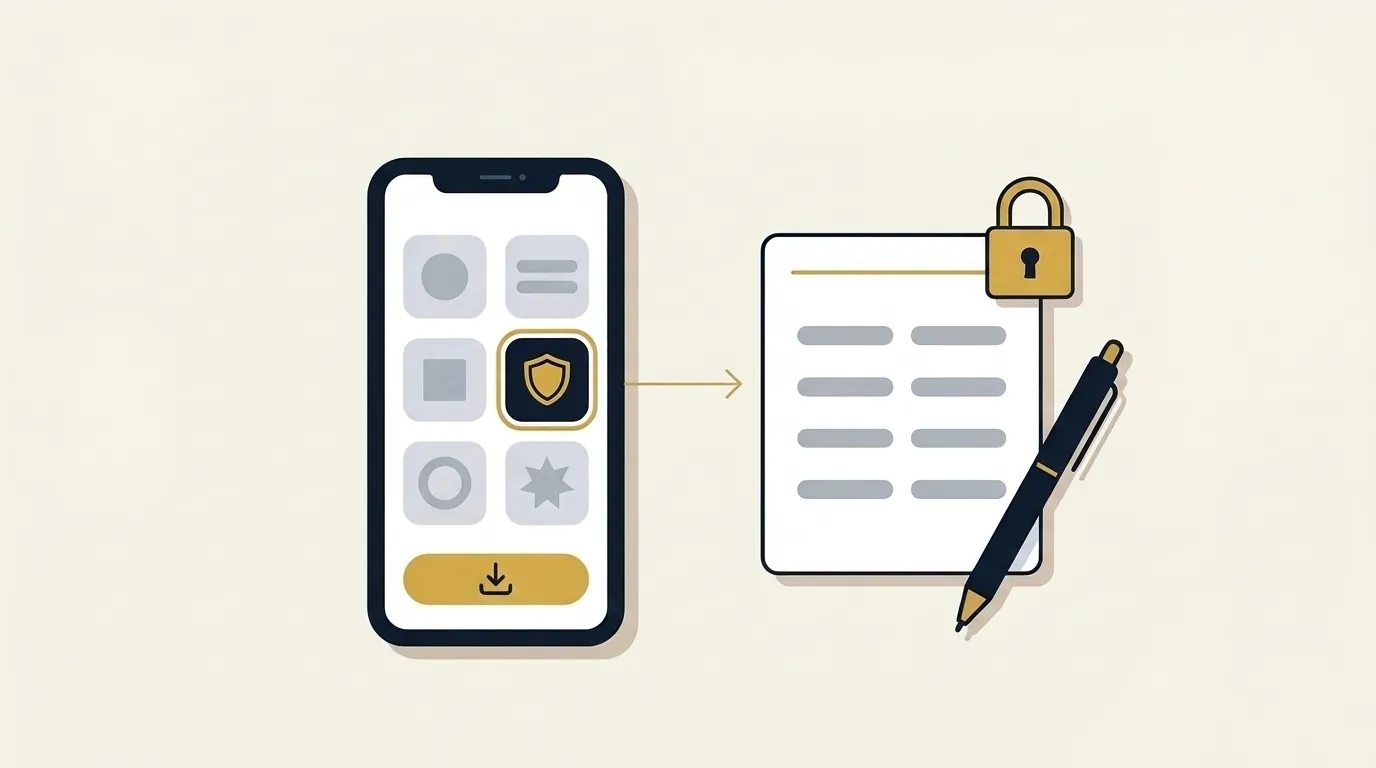
3. Route A, step 1: install a wallet and keep it safe
- Install the app from the official App Store or Google Play page of the wallet. Check the publisher name before you tap install.
- Create a new wallet. The app shows a recovery phrase, a list of secret words that restores your wallet.
- Write the phrase on paper and keep it somewhere private. Never take a screenshot, store it in your notes or photos, or share it with anyone. Nobody who works for us will ever ask for it.
- Set a passcode for the app.
4. Route A, step 2: buy coins with your card
- In the wallet, tap Buy and choose a coin.
- Pick the easiest coin to send. A coin that pays its own network fee is simplest, for example TRX (Tron) or LTC (Litecoin). Our checkout supports BTC, ETH, USDT, TRON, LTC and SOL.
- If you choose USDT on Tron (TRC-20), you also need a little TRX in the same wallet to pay the network fee. The network fee is the small charge for sending coins.
- Buy the order total plus a small extra. Prices move and fees are taken from what you send, so a few extra dollars keeps you safe.
- The card provider may ask you to verify your ID. This is normal and it is done by them, not by us.
- Wait until the coins show in your wallet balance.
5. Route B: buy on an exchange, then withdraw
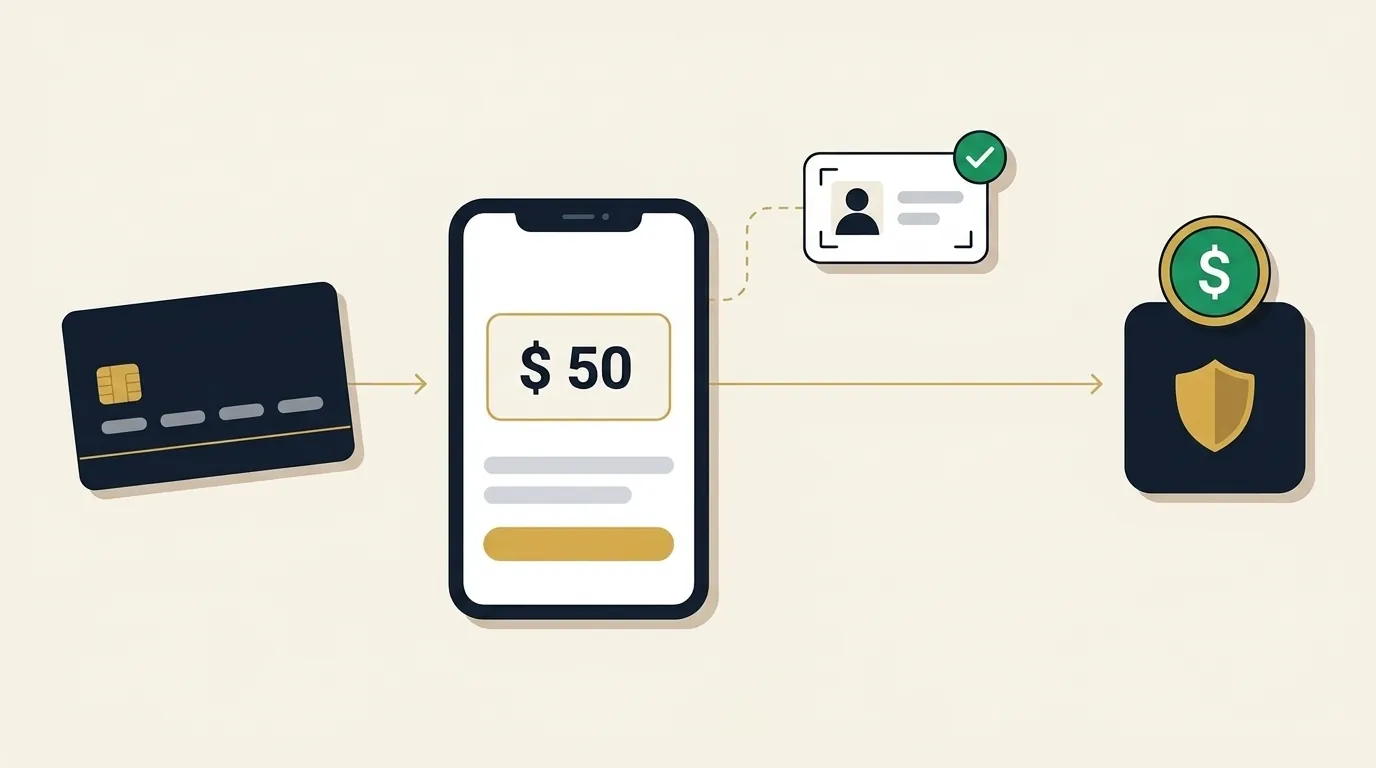
- Open or log in to your exchange account. A new account needs ID verification first.
- Buy the coin with your card, or use P2P to pay a seller by bank transfer in your local currency.
- Tap Withdraw on that coin. Paste the address from our checkout and choose the same network.
- Check the amount that ARRIVES. Exchanges show a withdrawal fee. Make sure the amount that reaches us equals the invoice amount, not less.
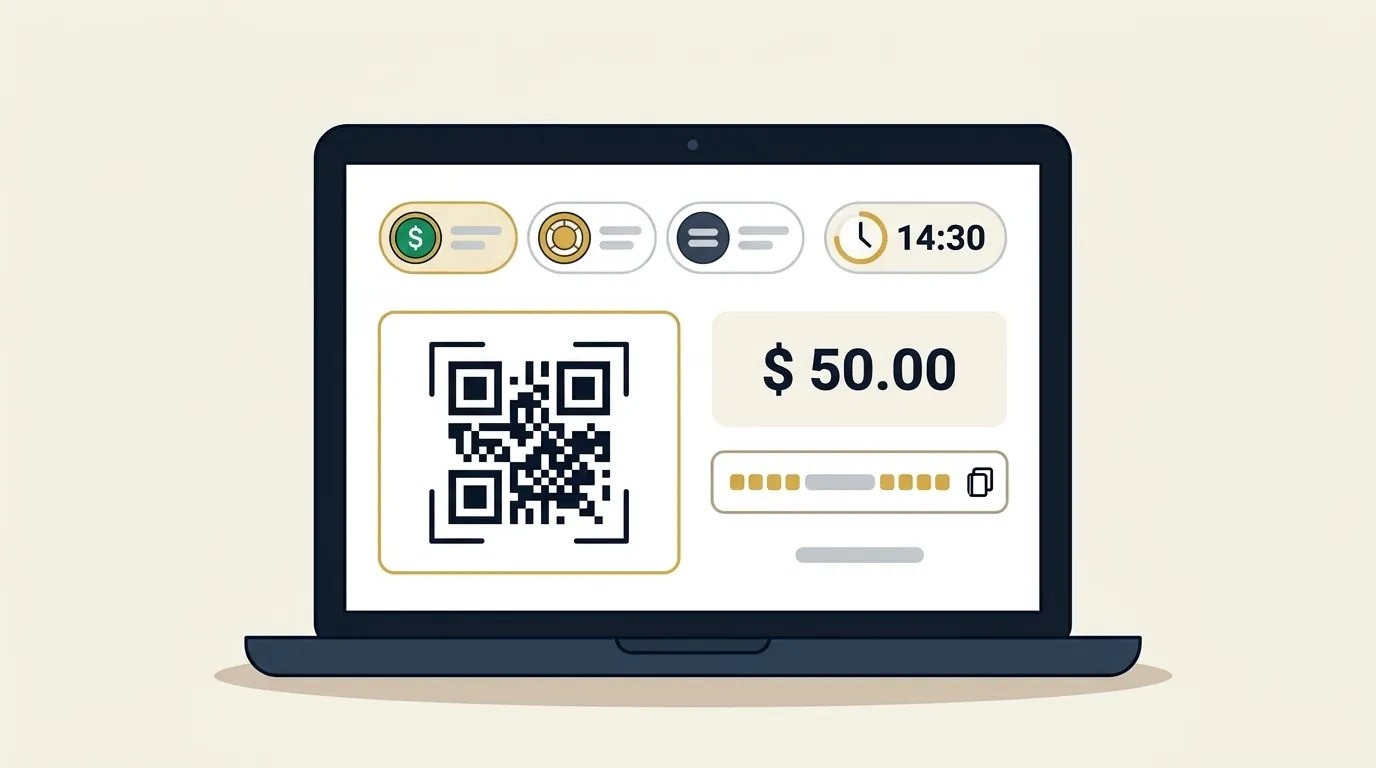
6. Pay at checkout on our site
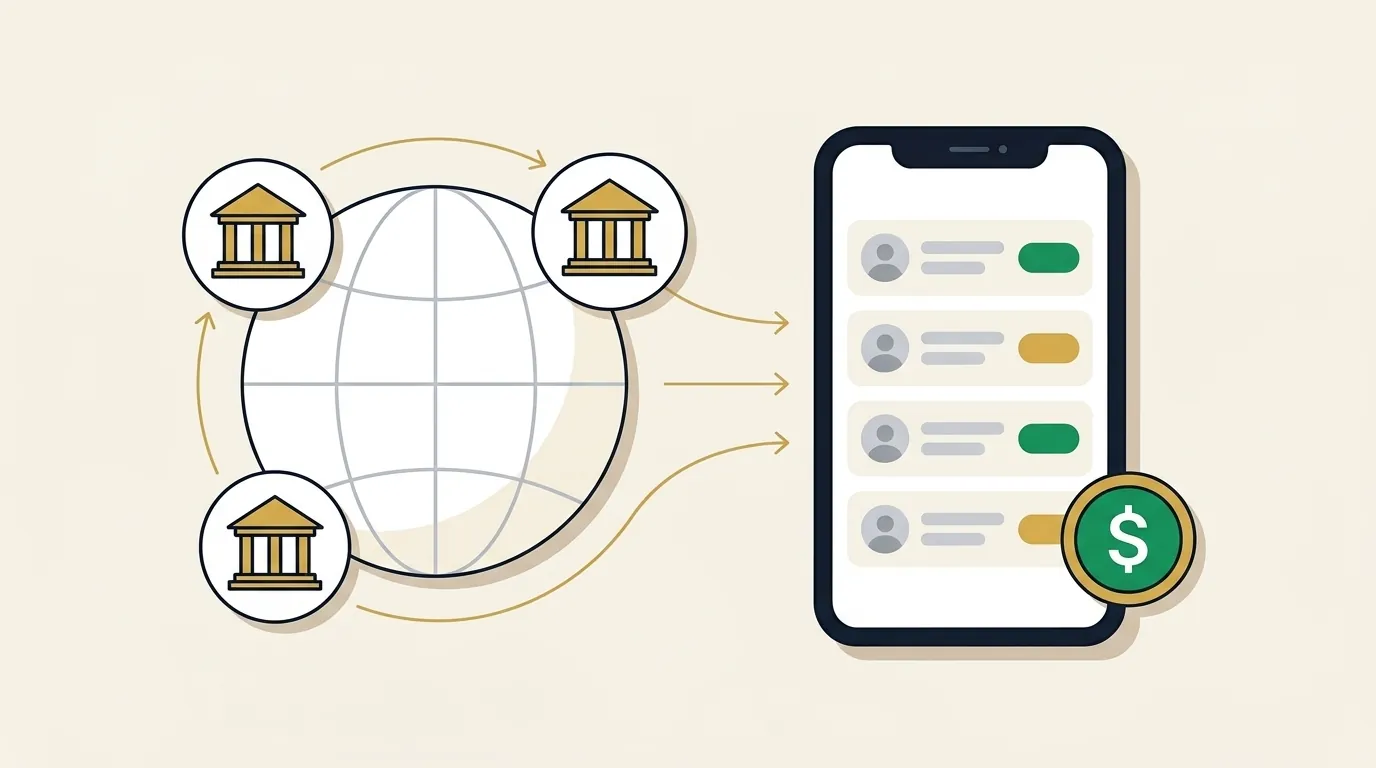
- Choose your item on our site and press Pay in the order box.
- You land on a secure payment page from our payment provider, NOWPayments.
- Pick the SAME coin and the SAME network you hold. If you hold TRX, choose TRX.
- Note three things: the exact amount, the address or QR code, and the countdown timer.
7. Match the network
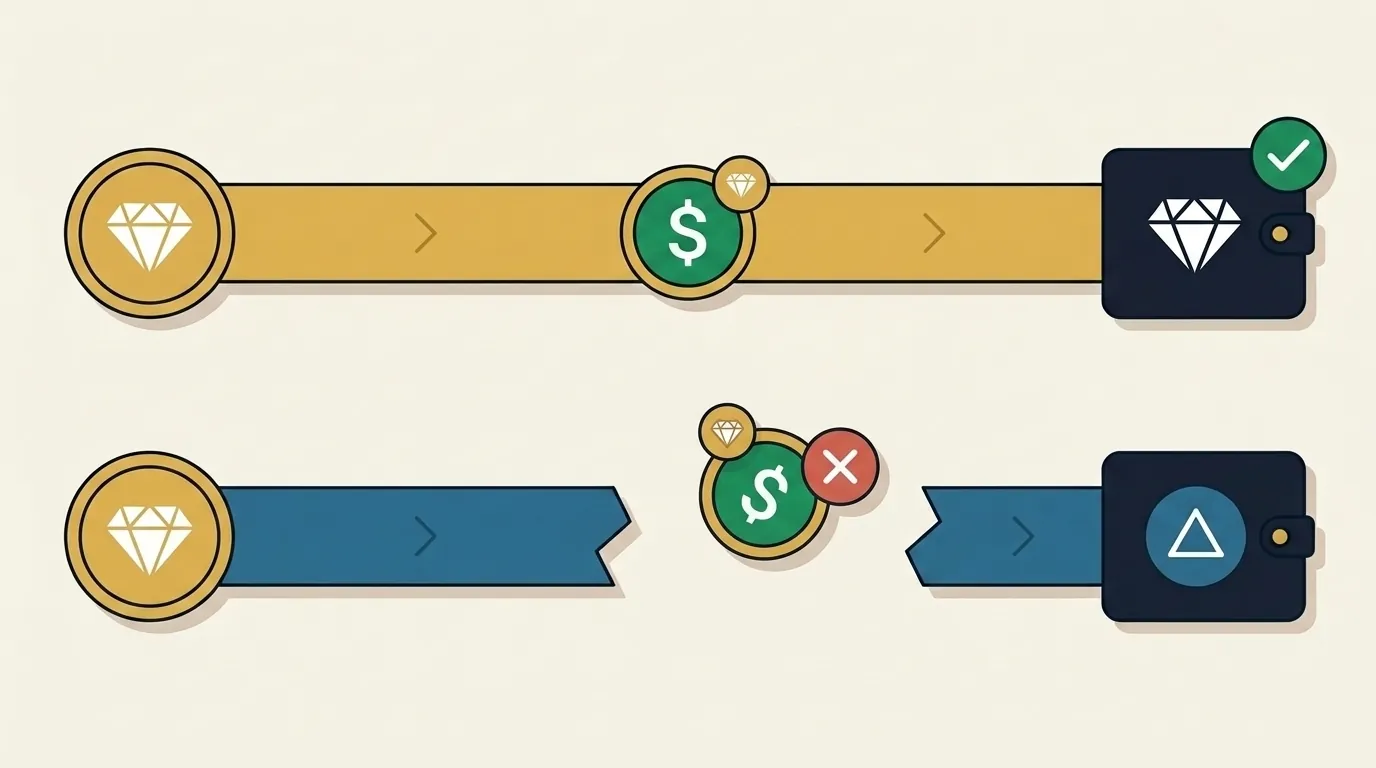
A network is the road a coin travels on. One coin can exist on several networks, and the sender and the receiving address must use the same one. A payment sent on the wrong network is usually lost.
- The coin and network in your wallet or exchange must match the invoice.
- If the invoice says Tron (TRC-20), withdraw on Tron (TRC-20).
- Not sure? Stop and ask us before you send.
8. Send safely
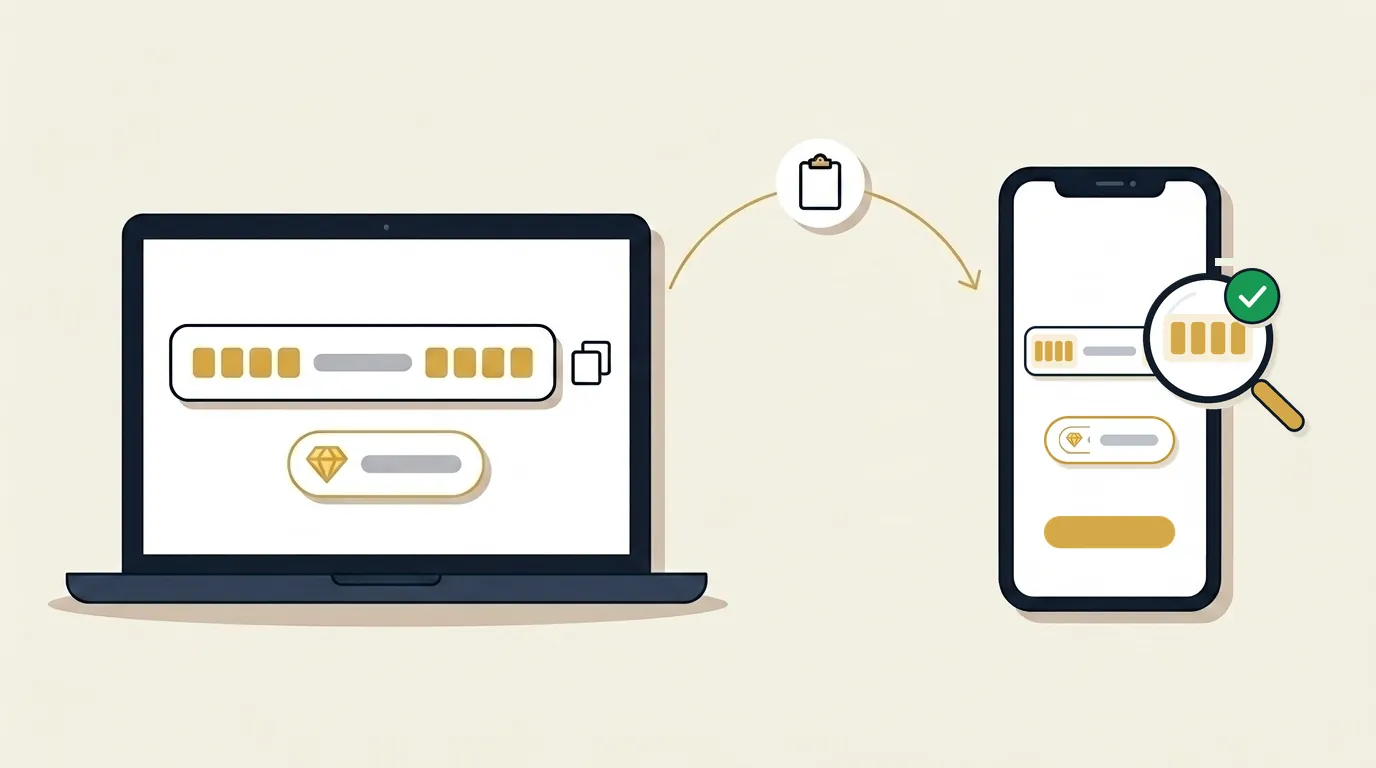
- Paste or scan the address from the invoice into your wallet or exchange.
- Check the first 4 and the last 4 characters against the invoice. Some malware swaps a copied address.
- Check the network is the same as the invoice.
- Type the exact amount shown, and send before the timer ends.
- Confirm. Then keep the TxID (transaction ID, the receipt number of your payment).
9. After you pay
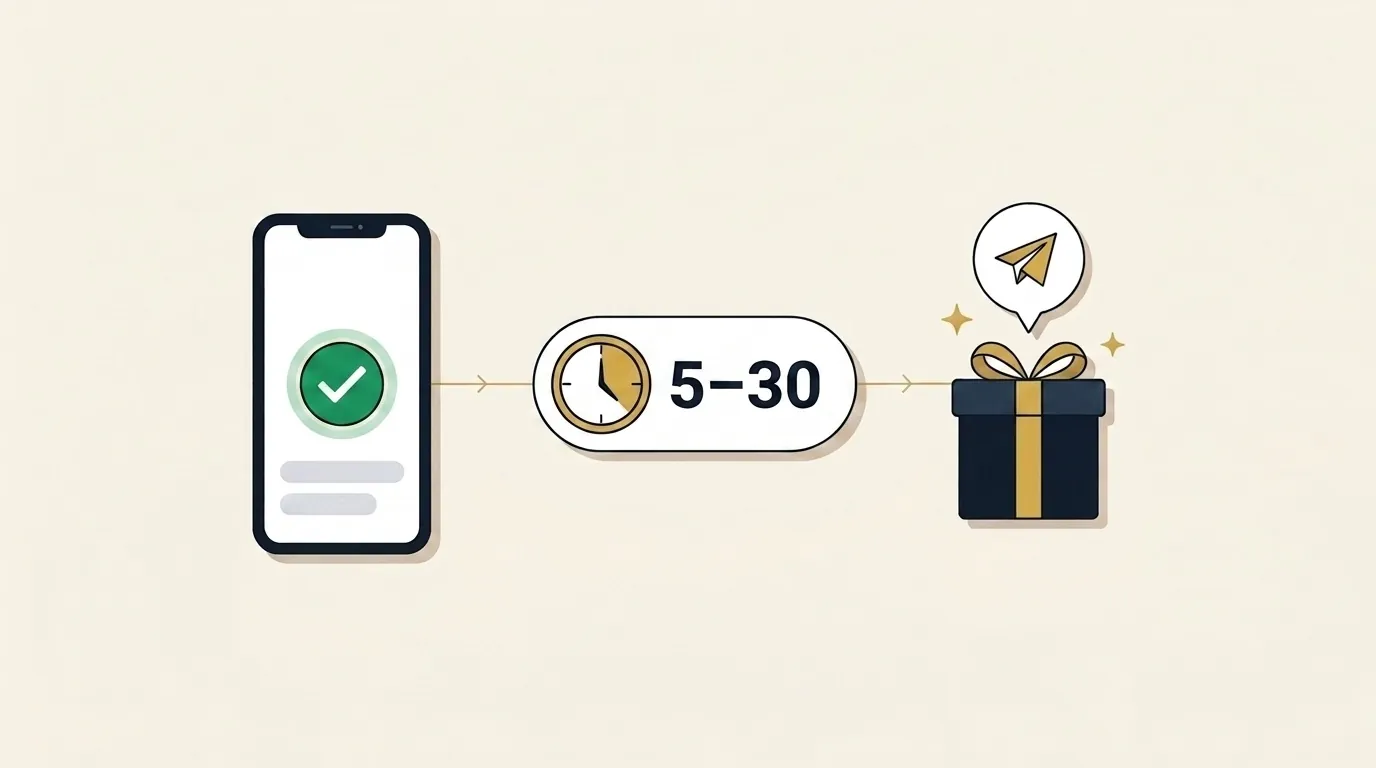
- Stay on the page. It updates to paid once the payment confirms. Crypto can take a few minutes.
- Message us on Telegram or WhatsApp with your order ID.
- We deliver, usually 5–30 minutes after the payment is confirmed.
You can also open the payment, delivery and support page for how an order runs from start to handover.
10. Country notes
- Card declined, or the provider is not available in your country? Use an exchange with P2P and pay by local bank transfer.
- A small first purchase may still need an ID check. This is the provider's rule.
- Some local banks block crypto merchants. P2P avoids that, because you pay a person, not a crypto company.
11. Fix common mistakes
- You sent less than the invoice: message us with your TxID. You can top up the difference.
- The invoice expired: do not send again. Message us with your order ID and TxID.
- You used the wrong network: message us before you do anything else. Some cases can be recovered. It is not guaranteed.
When you write to us, give your order ID and TxID. It lets us find the payment fast.
12. Stay safe
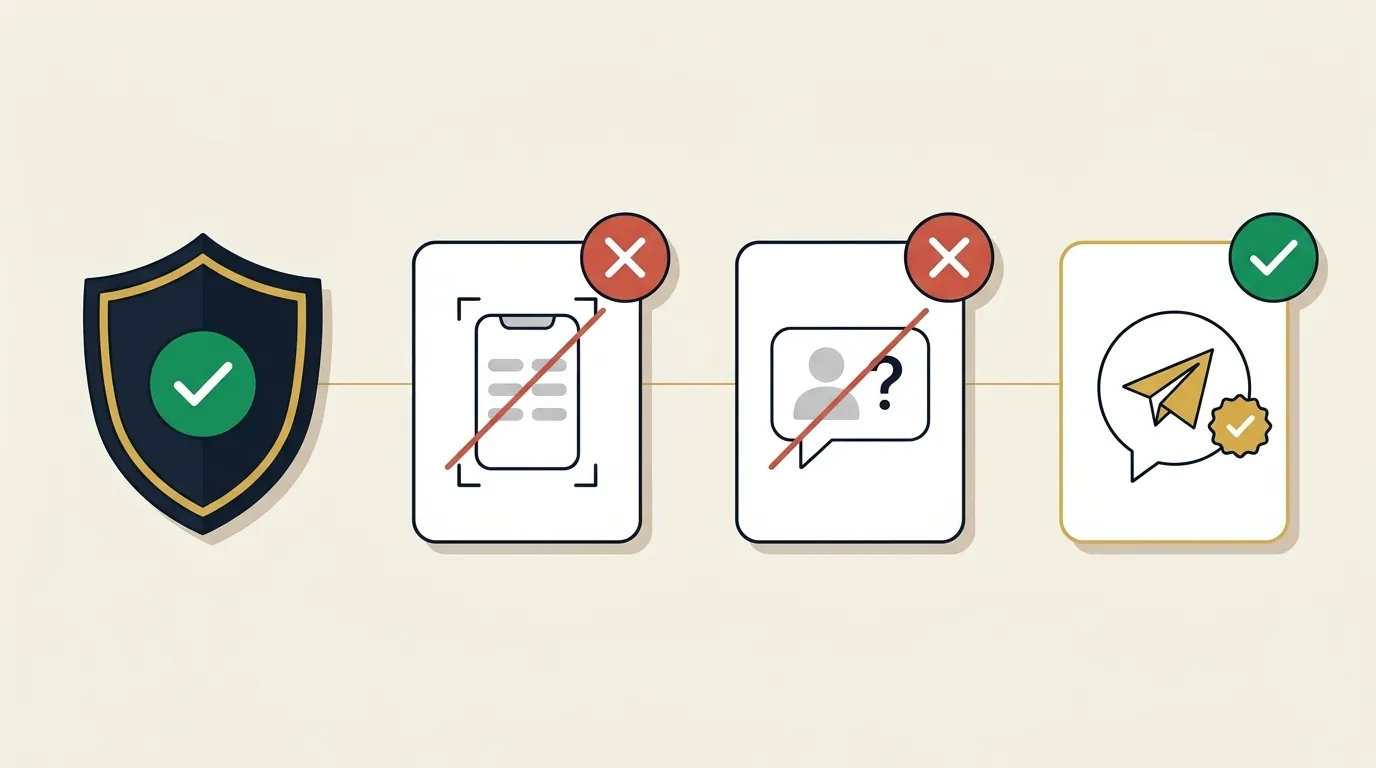
- We never ask for your recovery phrase or your card details. Anyone who does is not us.
- Only trust Telegram @SocialStore_pro and @socialstore_support, and our WhatsApp +44 7352 488046.
- Check the address bar. You should be on agedsocials.com when you pay.
More on spotting fakes: scam red flags and paying with USDT.
Frequently asked questions
Do I need a crypto account to pay?
No account with us is needed. You do need somewhere to hold coins before you send them: a wallet app, or an account on an exchange. You set that up first, buy a small amount with your card, then send it to our checkout.
Which coin is the easiest to send?
A coin that pays its own network fee, for example TRX (Tron) or LTC (Litecoin). If you buy USDT on Tron (TRC-20), you also need a little TRX for the network fee. Our checkout supports BTC, ETH, USDT, TRON, LTC and SOL.
How much extra should I buy?
Buy the order total plus a few dollars. Fees are taken from what you send, and the amount that arrives must match the invoice. Check the fee line before you confirm.
What if my card is declined?
Try an exchange account and buy with P2P, which means paying a person by bank transfer in your local currency. Or message us on Telegram @SocialStore_pro or WhatsApp +44 7352 488046 and we will walk you through it.
Can I pay by bank transfer or PayPal?
We receive crypto only. If you prefer a bank transfer, use P2P on an exchange to buy crypto with your local bank transfer, then send the coins to our checkout.
How long does it take?
Buying your first coins takes longer, mostly because of the ID check. After your payment is confirmed, we deliver usually within 5–30 minutes.
Does SocialStore charge my card?
No. Your card is charged only by the wallet or exchange where you buy the crypto. We never ask for card details.
Can I buy crypto straight to your address?
No. Buy into your own wallet or exchange account first, then send from there. Card providers sell crypto only to you, for a wallet you control.
 Telegram